
SoloGizmoCaptions
Drop in a video and get eye-catching, animated captions in minutes.
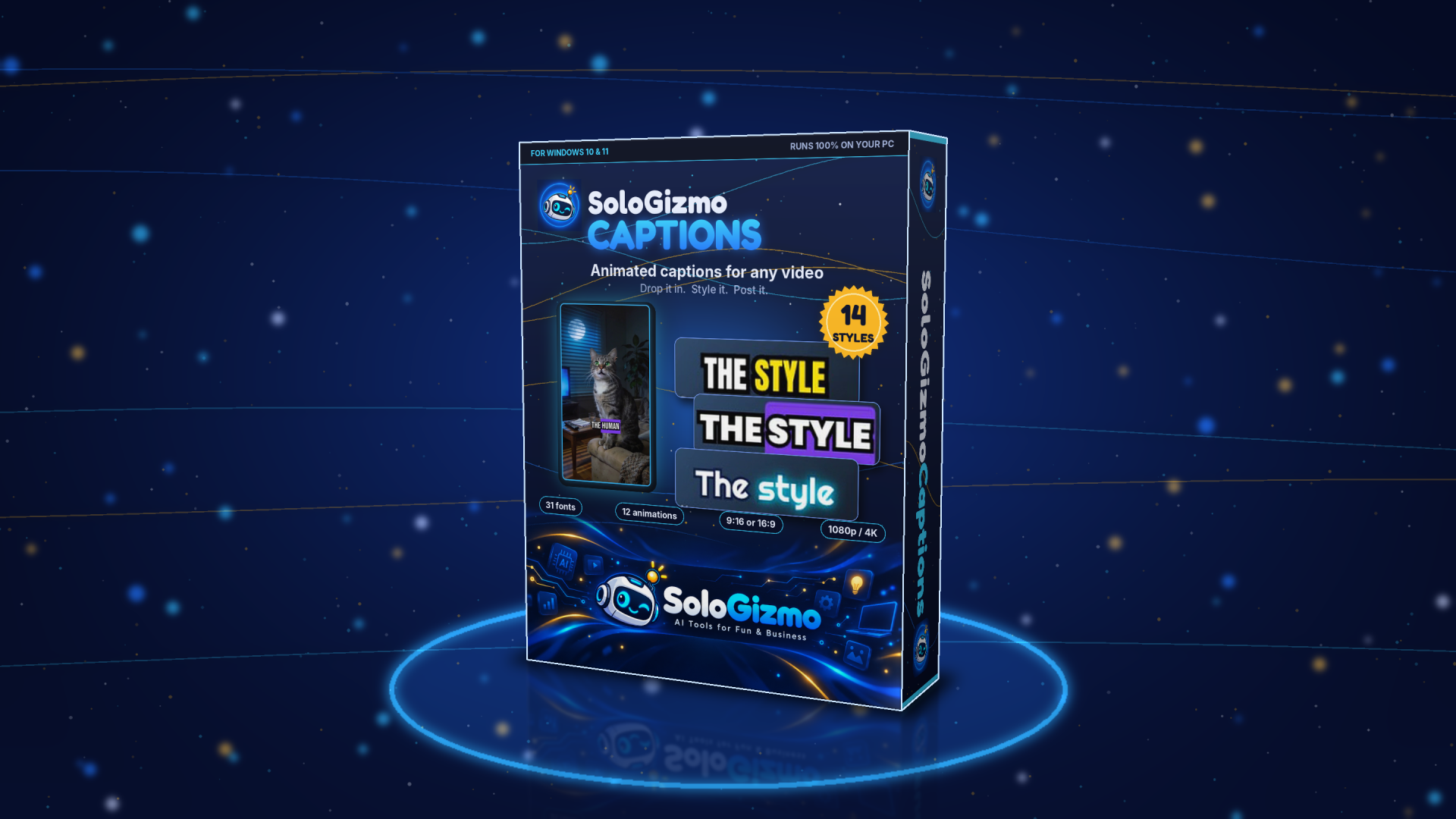
Captions keep people watching. Most viewers scroll with the sound off, so if your words aren't on screen, your message is gone. SoloGizmoCaptions turns any video into a captioned, ready-to-post clip in minutes.
How it works
- Drop in your video: vertical or horizontal.
- It listens and transcribes, timing every single word, right on your own computer.
- Pick a look: choose a caption style, font and animation, and see it instantly.
- Export in the size you need and post it.
Built for Shorts, TikTok, Reels and YouTube
Make vertical 9:16 clips for Shorts, TikTok and Reels, or widescreen 16:9 for YouTube. If your video doesn't match the shape, choose how to fill the frame: zoom to fill, a blurred background, or bars.
Captions with personality
- 14 caption styles ready to go
- 31 fonts to match your brand
- 12 entrance animations so words pop, slide or bounce in
- Word highlighting that follows along as you speak
Private, offline and no monthly fees
Speech-to-text runs offline on your PC. Your videos are never uploaded anywhere, and there's no per-minute charge or caption subscription. Caption as many videos as you like.
Sharp exports
Export at 1080p or 4K, or let Auto match your original video.
Made by a solo creator who needed it for his own channel. Watch it in action on the SoloGizmo YouTube channel.
What it does
- Offline speech-to-text with word-level timing
- 14 caption styles, 31 fonts
- 12 entrance animations + highlight effects
- 9:16 and 16:9 with fill, blur or bars
- Export up to 4K